🧥 Soft-Body Simulation
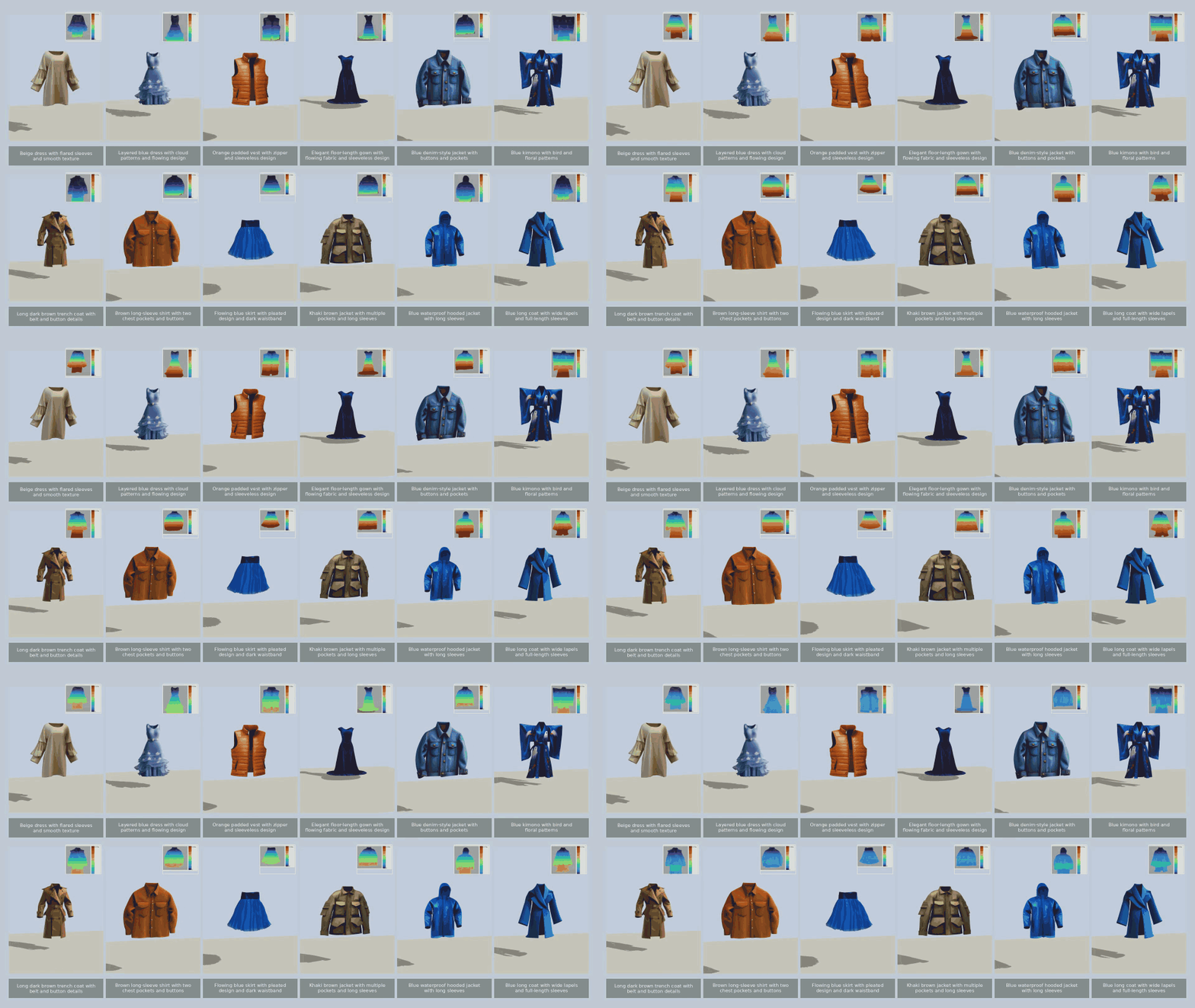
The same generate-and-export path reaches soft bodies: text-conditioned garments generated by EmbodiedGen deploy as deformable meshes in Genesis, with no manual preparation.
⚡ Usage
The soft-body toolchain lives in embodied_gen/scripts/deformable_sim/:
-
Generate a garment asset with Text-to-3D (e.g. "a red hooded jacket").
-
Convert the asset for cloth simulation:
python embodied_gen/scripts/deformable_sim/genesis_cloth_converter.py \
  --asset_path outputs/textto3d/asset3d/sample3d_00/result \
  --output_dir outputs/cloth
- Run the Genesis cloth simulation (drop-and-shake demo):
python embodied_gen/scripts/deformable_sim/simulate_genesis_cloth.py \
  --asset_path outputs/cloth \
  --init_height 1.0 \
  --duration_seconds 6.0 \
  --shake
- Visualize per-vertex displacement as a heatmap:
python embodied_gen/scripts/deformable_sim/render_mesh_displacement_heatmap.py \
  --asset_path outputs/cloth
Run any script with --help for the full set of options (simulation steps, shake amplitude, camera, device, etc.).
The generated results are organized as follows:
outputs/cloth
├── genesis
│   ├── cloth_mesh.obj          # Simulation-ready cloth mesh
│   ├── cloth_material.json     # Cloth material parameters for Genesis
│   ├── material_0.png / material.mtl
│   └── manifest.json
└── render
    ├── video.mp4               # Cloth simulation preview
    ├── sim_config.json         # Simulation settings used for the run
    ├── run_summary.json        # Run statistics
    └── *_contact_sheet.jpg     # Per-vertex displacement heatmap sheets
Next Steps
- Generate garment meshes from text — see Text-to-3D.
- Rigid-body export to other simulators — see Any Simulators.