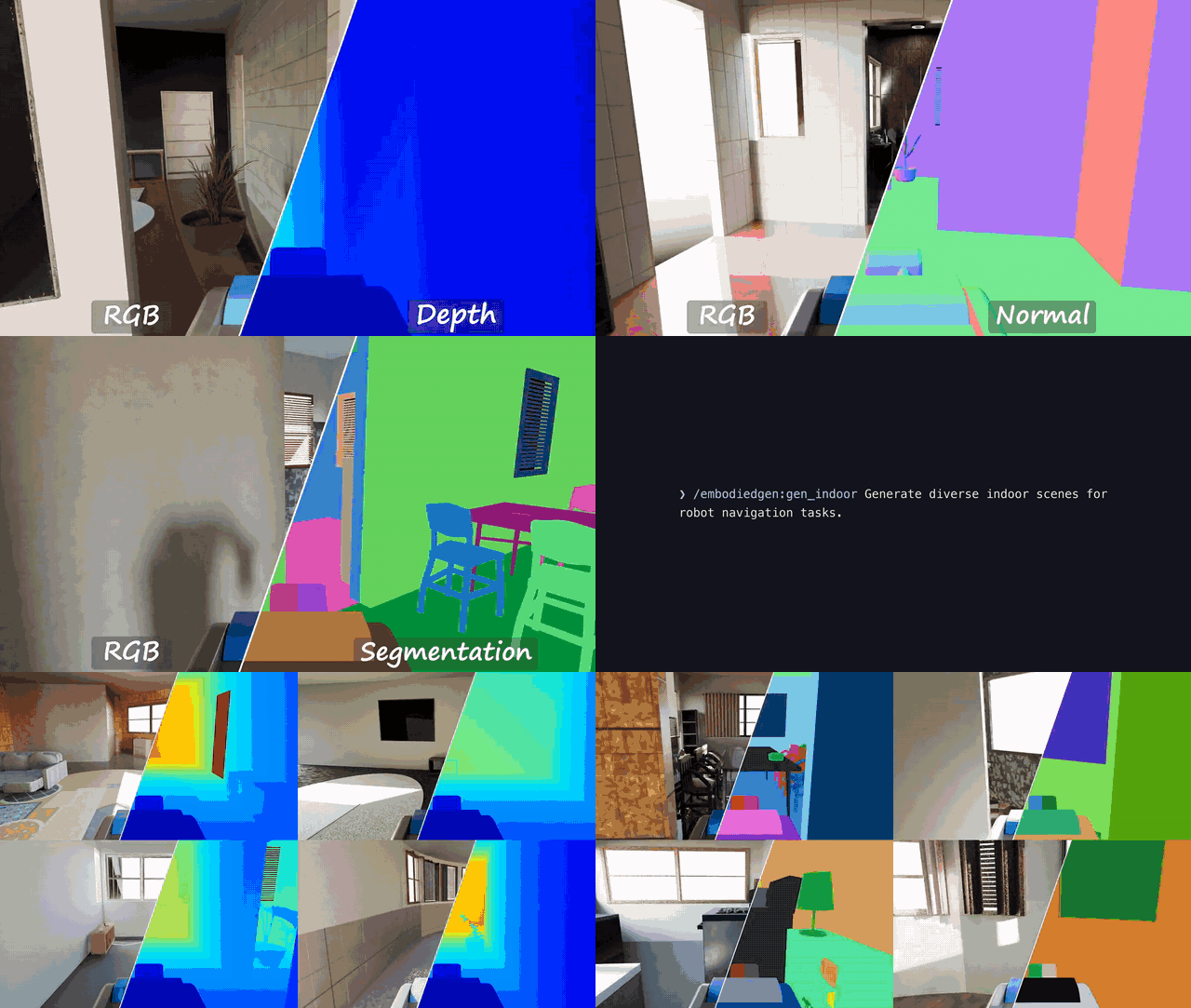
🏠 Room Generation — Large-Scale Indoor Scenes
Generate multi-room, navigable, instance-editable indoor scenes as sim-ready backgrounds, built on top of Infinigen. Rooms are generated at a controllable complexity tier and can be exported to URDF and USD for direct use in simulators.
Installation
Run bash install.sh room to install the additional dependencies (including the bundled Blender runtime) before using room generation.
⚡ Command-Line Usage
# Natural-language mode: a GPT router infers room type & complexity
room-cli -m embodied_gen.scripts.room_gen.gen_room \
  --output-root outputs/rooms \
  --prompt "Wipe the table in a simple dining room"

# Explicit mode
room-cli -m embodied_gen.scripts.room_gen.gen_room \
  --output-root outputs/rooms \
  --room-type Kitchen \
  --seed 42 \
  --complexity simple
Natural-language mode
--prompt feeds the description to a GPT router (route_room.py) that selects a plausible room type (or House for cross-room tasks) and a complexity tier, overriding --room-type / --complexity. It requires a configured GPT agent (embodied_gen/utils/gpt_config.yaml).
room-cli vs python -m
room-cli forwards its arguments to the bundled Blender Python (which has bpy and all room dependencies installed by bash install.sh room). Running python -m embodied_gen.scripts.room_gen.gen_room from the embodiedgen env is equivalent for generation, since heavy stages are dispatched to Blender Python internally either way. Run from the repository root; set BLENDER_PYTHON_BIN if Blender is installed elsewhere.
Parameters
--output-root(required): base output directory.--prompt: natural-language task/scene description; infers room type and complexity via GPT, overriding the two flags below.--room-type:Bedroom | LivingRoom | Kitchen | Bathroom | DiningRoom | Office | House.--seed: random seed. Pass explicitly for reproducible runs; if omitted, a random seed is generated (check logs for the value).--complexity:minimalist | simple | medium | detail.--custom-params: gin file copied to Infinigencustom_solve.gin.--large-scene: only forHouse; enables more rooms.--gen/--no-gen,--urdf/--no-urdf,--usd/--no-usd: pipeline stage switches.
Complexity Tiers
| Tier | Description |
|---|---|
minimalist |
Fastest, sparse furniture |
simple |
Default, balanced quality/time |
medium |
Richer layout, slower |
detail |
Highest detail, longest runtime |
Stage Control
# Generation only (no export)
python -m embodied_gen.scripts.room_gen.gen_room \
  --output-root outputs/rooms --room-type LivingRoom \
  --seed 100 --complexity medium --no-urdf --no-usd

# Export only, from an existing Blender output
python -m embodied_gen.scripts.room_gen.gen_room \
  --output-root outputs/rooms --room-type LivingRoom \
  --seed 100 --no-gen --urdf --usd
The generated results are organized as follows:
<output_root>/<RoomType>_seed<seed>
├── blender                     # Raw Infinigen/Blender scene output
├── urdf/export_scene
│   ├── scene.urdf              # Whole-room URDF referencing all instances
│   └── <instance>/             # Per-instance meshes with convex-decomposed collisions
└── usd/export_scene
    ├── export_scene.usdc       # USD scene for Isaac Sim
    └── textures                # Baked PBR textures (diffuse / normal / roughness)
urdf/export_scene/scene.urdf→ Load directly in SAPIEN / PyBullet / IsaacGym; each furniture instance stays individually editableusd/export_scene/export_scene.usdc→ USD scene for Isaac Sim; requires a physics post-processing step before use (see below)blender/→ Reusable for re-export (--no-gen --urdf --usd)
Add physics to the exported USD before loading it in Isaac Sim
The exported export_scene.usdc carries no physics collision properties yet. Post-process it with PhysicsUSDAdder (requires an Isaac Sim / USD environment), which applies convex-decomposition collision and rigid-body APIs to every mesh prim:
from embodied_gen.data.asset_converter import PhysicsUSDAdder

PhysicsUSDAdder().convert(
    "outputs/rooms/Kitchen_seed42/usd/export_scene/export_scene.usdc"
)
# In-place by default; pass output_file=... to write a separate copy.
Blender Python (room-cli)
room-cli is a wrapper that executes a script within the bundled Blender Python environment (which provides bpy). Steps that write USD require it, e.g. room-cli -m embodied_gen.skills.spatial-computing.cli.main ... when editing scenes with the spatial computing skill. If Blender is installed elsewhere, set BLENDER_PYTHON_BIN.
Next Steps
- Place or remove objects in the generated rooms via natural language — see 3D Vibe Coding.
- Use generated rooms as backgrounds for task-driven worlds — see Layout Generation.